
Identification Methods - WIP
Identify and update a user profile.
Overview
CleverTap automatically creates a user profile for every person on your website or application. At first, the user profile starts as anonymous and becomes addressable when the user logs in for the first time. However, there are scenarios where multiple users log in from the same device. In this case, the challenge is to track and attribute user activities against the correct user profile. Also, there are scenarios where you may want to enrich the identified profiles with additional information.
CleverTap uses the following two methods to enrich user profiles:
OnUserLogin
Always ask your app developer to ensure that theOnUserLogin method is active on the application SDK. The OnUserLogin is a CleverTap method to identify multiple users on the same device, using information such as the user's name or email. When a multiple users log in to your app from the same device, the OnUserLogin method ensures that the new user is tracked separately.
Different Users on Same Device ExampleConsider a scenario where user A logs in from a single device and then logs out of the device. Now, user B logs on to the same device. Here, the
OnUserLoginmethod helps you to track events performed by the users A and B separately.
When do I Use OnUserLogin?
When creating an account or logging into your application, you must use theOnUserLogin if you want to maintain a separate profile for each user that logs on to the device. The OnUserLogin switches between identified app users on the same device and tracks them.
For more information, refer to Maintaining Multiple User Profiles on the Same Device and Web SDK Quick Start Guide - Identify Users.
Example
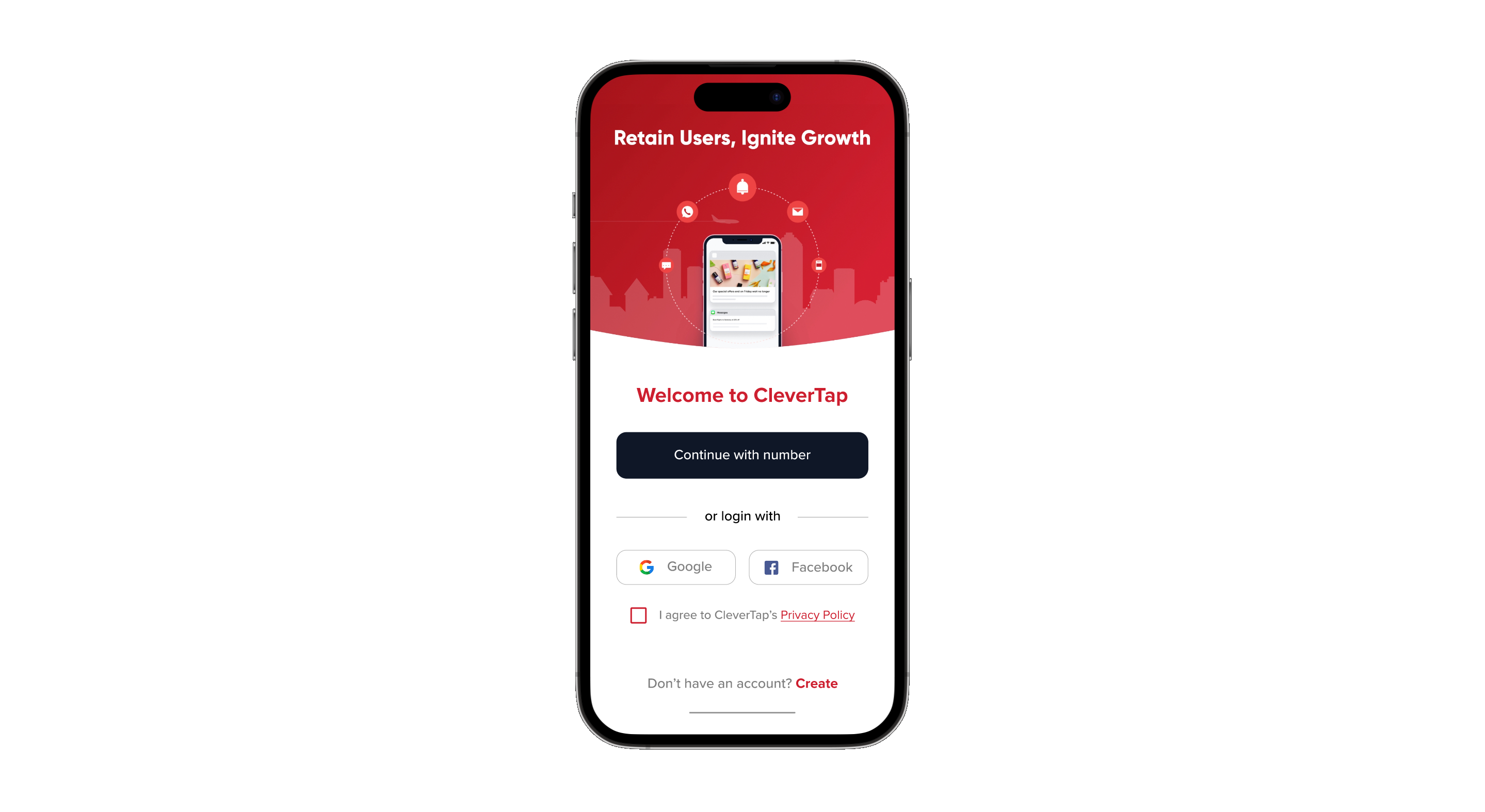
The following example shows an onboarding app screen from which different users can log in or register using their user ID or Facebook IDs.
ProfilePush
The ProfilePush is the CleverTap method of updating the user properties. It is used to push the user information to CleverTap. For instance, when you want to update the user's subscription status from silver to gold.
User Information Update ExampleConsider a scenario where user A upgrades the subscription from a free account to a paid version. Here, the
ProfilePushmethod helps to update the subscription status in the user property.
When do I Use ProfilePush?
Ask your developers to activate the ProfilePush method only when you want to update user profiles. Whenever you want to update users' information, you must use theProfilePush to add more user properties to the identified profiles.
For more information, refer to Maintaining Multiple User Profiles on the Same Device.
Do Not Use Profile PushThe
OnUserLoginmethod can handle the unique profile creation (Email ID) effectively and automatically. Do not use theProfilePushmethod to update a user's unique identity on CleverTap.
Example
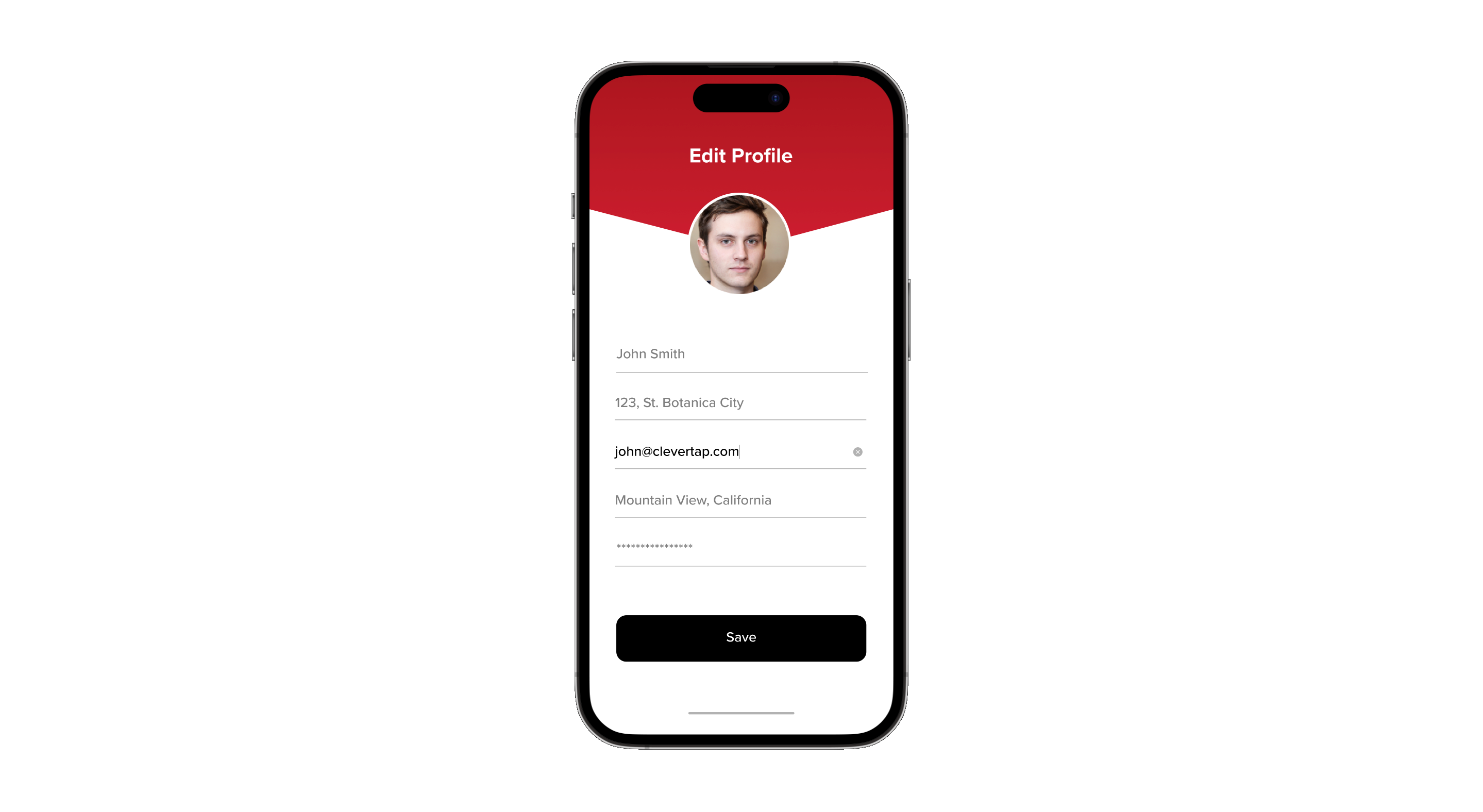
The following example shows an app screen for users to update their accounts.
For more information about profile creation, refer to Identity Generation.
Updated 11 months ago