
Agent Statuses
Learn about status changes as the Lifecycle Agent moves through the defined lifecycle.
Overview
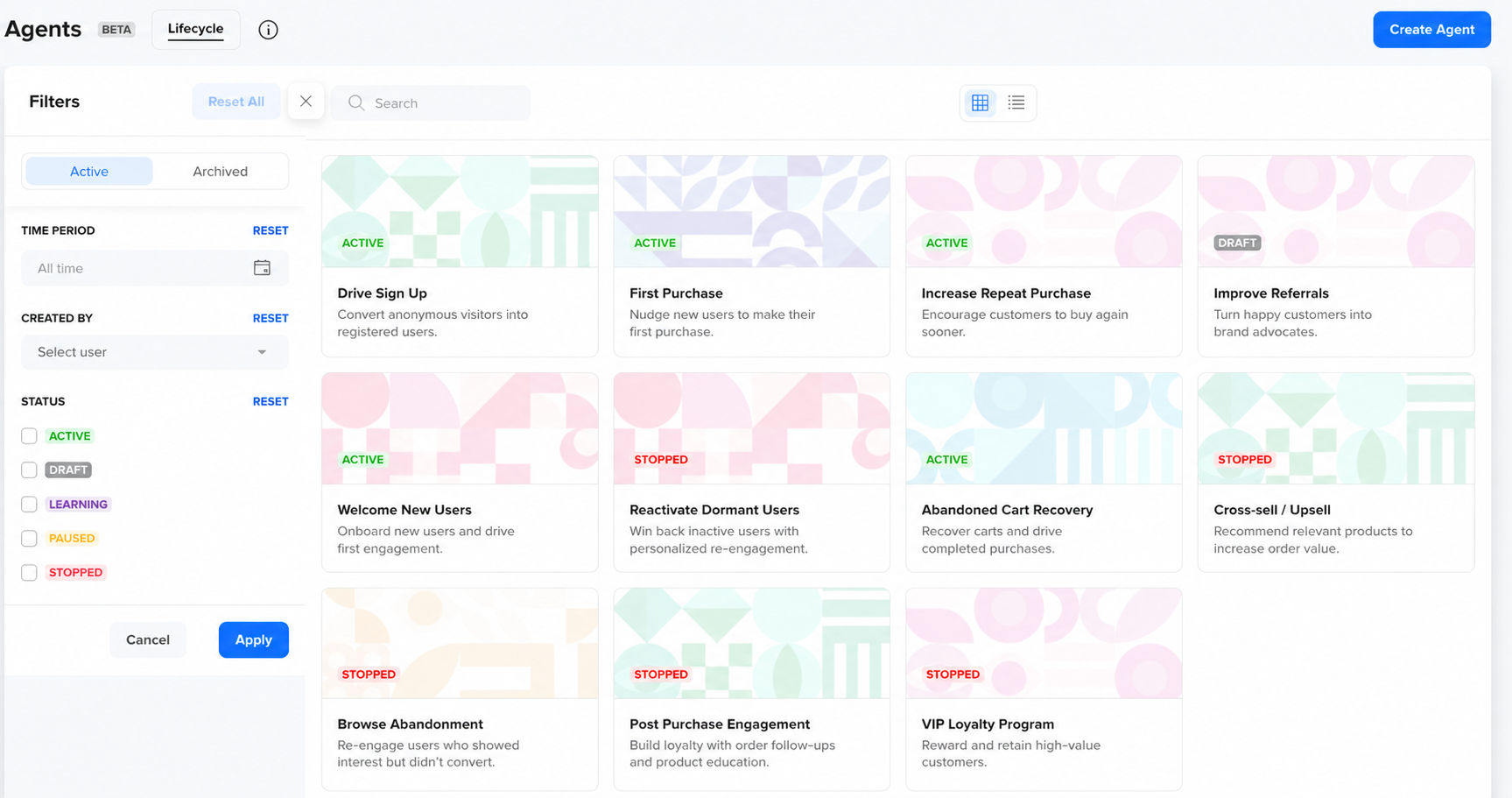
After you activate a Lifecycle Agent, you can monitor its status and perform actions on it from the agent list view. Each Lifecycle Agent moves through a defined lifecycle, and the actions available at any point depend on the agent's current status.
Agent Statuses
The following table describes each status, what it means for your users, and the actions available from that status:
| Status | Description | Available Actions |
|---|---|---|
| Draft | The agent is configured but not yet active. All sections are editable, and no users are being processed. | Edit, Clone, Archive, Delete |
| Learning | The agent is learning from your past engagement data. No messages are sent to users in this status. | Stop, Clone |
| Active | The agent is live, making per-user decisions in real time, and sending messages. | Pause, Stop, Edit, Clone |
| Paused | Messaging is temporarily paused for all users. The agent continues learning and can be resumed. | Resume, Stop, Clone |
| Stopped | The agent has been permanently stopped. No further messages are sent, and the agent cannot be resumed. To reuse it, clone it into a new draft. | Archive, Clone, Delete |
| Archived | Agents marked as archive are hidden from the default list view. Archiving does not delete any data. The list of archived agents can be accessed using filters. | Clone, Delete |
Updated about 3 hours ago
Did this page help you?