
Predictions: Types and Statuses
Explore the Predictions Dashboard to understand prediction types and their states.
Overview
This guide will help you navigate and master CleverTap’s Predictions feature. By understanding the different types of predictions and their statuses, you will gain crucial insights to manage your prediction models effectively.
Types of Predictions
Let us begin by exploring the types of Predictions you encounter on your dashboard, each offering unique capabilities to enhance your decision-making process.
System Predictions
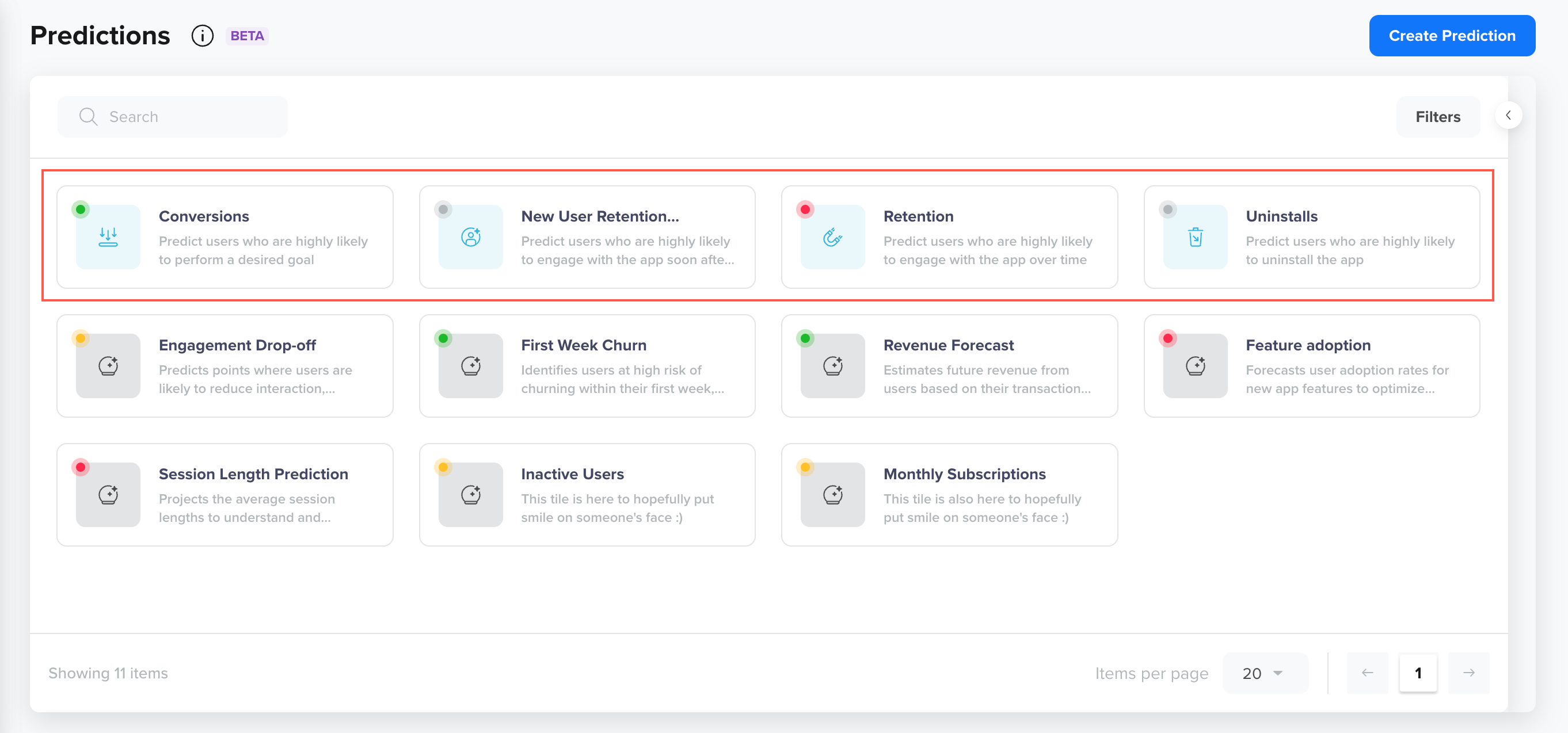
System predictions are ready-to-use predictions that we have created for use. They require minimal input and can be started right away. They estimate the likelihood of different outcomes or actions within a specified timeframe, such as retention, conversion, or app uninstall rates, with set goals.
System Predictions
The following four system predictions are available for your CleverTap account:
| Name | Description | Prediction on | Goal |
|---|---|---|---|
| Conversions | Use this to predict users who have a High likelihood of performing conversion events. | Active users in the last 60 days | Account-level conversion event |
| New User Retention | Use this to predict users who have a high likelihood of engaging with the app soon after installation. | Install the app or visit the website for the first time in the last 7 days | App Launch or Web Session Started |
| Retention | Use this to predict users likely to engage with the app over time. | Active in the last 180 days | App Launch or Web Session Started |
| Uninstalls | Use this to predict users who have a high likelihood of uninstalling the app. | Active in the last 90 days | Uninstalled Event |
Custom Predictions
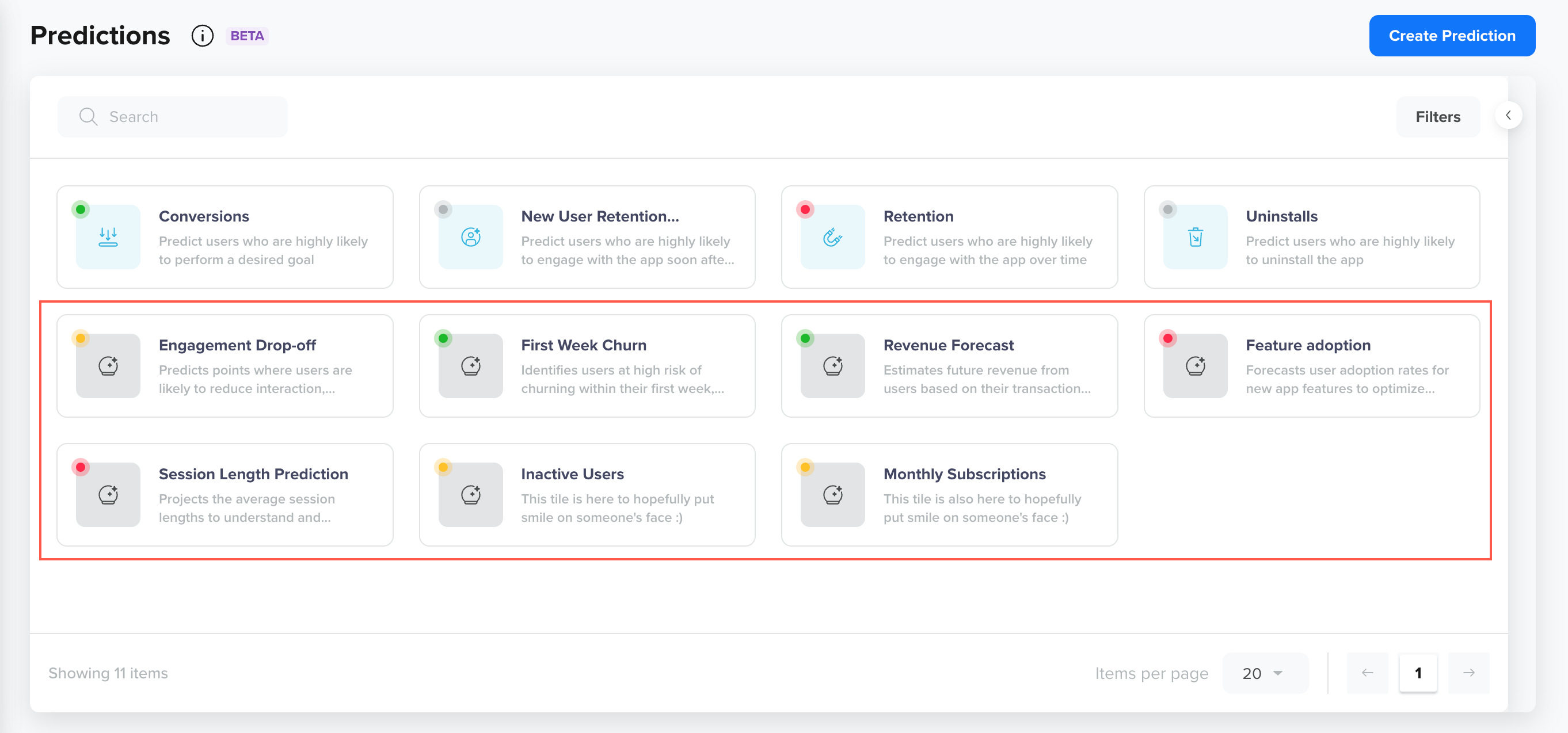
Custom predictions allow you to create Predictions based on specific goals and criteria relevant to your business needs. Unlike system-generated predictions, custom predictions allow you to define the target audience, set unique goal events, and specify the period for the prediction. These predictions focus on user behaviors or outcomes that matter most to your business, giving you more control and flexibility in forecasting future actions.
You can identify custom predictions on the Predictions page by their grayed-out icons, as shown below:
Custom Predictions
Prediction Status
Prediction Status refers to the current state or progress of a prediction within the system. It helps understand whether the prediction is still being processed, active, etc. A Prediction has the following statuses:
| Status | Description |
|---|---|
| Available | The prediction is created and visible on the dashboard, but not yet running. To begin generating insights, you need to click Activate. Once activated, the prediction moves to the Processing status. |
| Processing | The prediction is currently running and being calculated. When you initiate the Activate action, it moves to the Processing state and stays in that state until the system finishes processing the data. |
| Active | The prediction has finished processing and is now live, actively monitoring user behavior or events. It will remain in this state until manually stopped or the defined prediction period ends. |
| Stopped | The user has stopped the prediction. The prediction can transition to this state from the Active state.
|
Updated 27 days ago